
In this lesson, you will…
Identify common red flags of phishing emails, social engineering attacks, ransomware, DDoS and malware.
Classify five emails as ‘safe’ or ‘phishing’.
INTRODUCTION
So far, you've focused on building strong personal habits like updating your devices, using strong passwords, enabling multi-factor authentication and staying aware of your daily actions.
Those habits are powerful. They help protect you, your students and your district.
Now, we take the next step:
Recognizing the threats before they have a chance to cause harm.
Most cyberattacks don't start with broken systems.
They start by tricking people with fake emails, phone calls, and links designed to look real.
In this reading, you'll explore the warning signs of phishing emails, ransomware, social engineering, malware, DDoS attacks attempts.
Let's start by getting familiar with the common tricks attackers use and what red flags to watch for.
ACTIVITY READING
Warning Signs of Different Cyber Attacks
Click to expand each section below to learn more.
-
Definition:
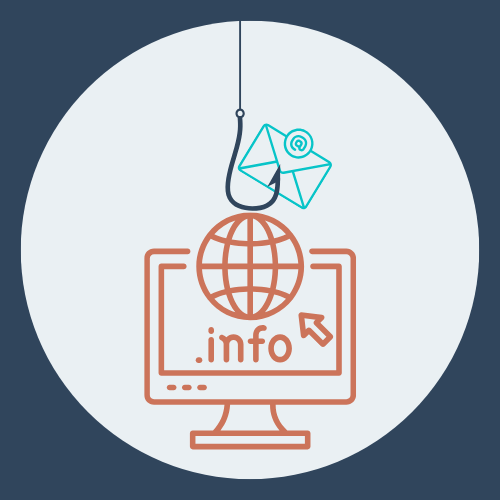
Fake emails, texts, or calls tricking users into clicking links or giving up sensitive information.
Warning Signs:
🚩The sender’s email address is slightly off (e.g., payroll@schooldistrct.com)
🚩Urgent language pressuring you to act fast
🚩Links that don’t match official school URLs
🚩Attachments you didn’t expect (especially .zip or .exe files)
🚩Generic greetings like “Dear Staff Member”
-
Definition:
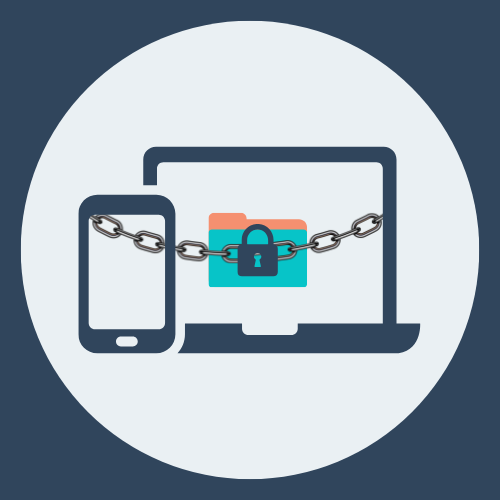
Malicious software encrypts systems or files, demanding payment for release.
Warning Signs:
🚩 Files suddenly become inaccessible or have strange extensions
🚩 A pop-up or message demanding payment appears
🚩 Computer or network becomes very slow or unresponsive
🚩 Programs fail to open, or you see unfamiliar error messages
🚩 Multiple staff report similar system problems at the same time
-
Definition:
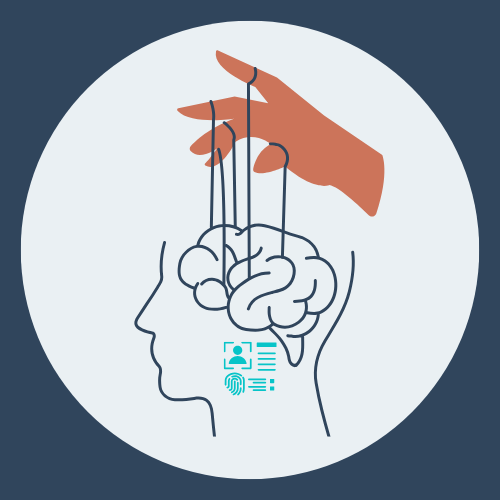
Manipulating people into revealing confidential information through deception and trust exploitation.
Warning Signs:
🚩 Unfamiliar people ask for passwords, Wi-Fi access, or entry to restricted areas
🚩 They drop names of real staff to seem legitimate
🚩 They try to bypass security procedures (“Oh, just let me in quickly…”)
🚩 Requests feel unusual or urgent
🚩 Overly friendly behaviour that seems calculated to build trust
-
Definition:
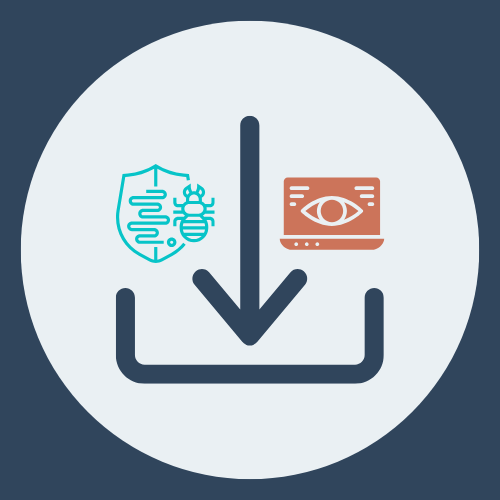
Malicious code downloaded via fake apps or links, sometimes hiding in software.
Warning Signs:
🚩 Computer suddenly slows down or crashes often
🚩 Unexpected pop-ups or ads appear
🚩 Antivirus software becomes disabled without explanation
🚩 Files go missing or change unexpectedly
🚩 New, unfamiliar programs are installed without your knowledge
-
Definition:
Floods the district’s servers with massive traffic, making systems unusable.
Warning Signs:
🚩 Websites and online systems are extremely slow or totally down
🚩 Many staff and students report access problems at the same time
🚩 IT confirms there’s no planned maintenance or system issues
🚩 Sudden, unexplained spikes in network activity or traffic logs
PAUSE TO PROCESS
Take a moment to recall what you have learnt.
When you are ready, click the button to begin the activity.
REVISITING THE READING
The Importance of Vigilance
As educational professionals, you have a lot on your plate and attackers count on that.
 Click with care, stay aware. [/caption]
They know you're moving fast, juggling tasks, and doing your best to keep the day on track.
That’s exactly where vulnerabilities can happen.
 Pause, check, protect. [/caption]
[caption id="" align="alignnone" width="500"]
Pause, check, protect. [/caption]
[caption id="" align="alignnone" width="500"] Trust, but verify. [/caption]
A message that feels urgent.
An attachment you didn’t expect.
A sender address that looks almost right.
In today’s world, red flags are increasingly sophisticated and hard to spot.
In a situation where you are not sure, applying your cybersecurity mantras will keep you vigilant and accountable.
SHOW WHAT YOU KNOW
In this activity, you will classify emails as safe or phishing by rapidly identifying common red flags.
In today's world, schools are some of the highest targeted organizations with phishing emails. This means that any staff member, not just an I.T. employee can be targeted.
Let's see how well you can identify some of the phishing red flags to protect your community and personal reputation!
When you are ready, click the button to begin the activity.